The output ignores the subject
The prompt may contain too many competing objects or put the main subject too late.
Fix: put the hero subject and its action in the first clause.

Practical tutorial
If you are searching for a practical way to use RunningHub AI, start with a simple mental model: RunningHub AI gives you a visual place to turn prompts, reference images, models and repeatable workflows into finished creative output. This guide follows the straightforward path shared by experienced creators: prepare one clear idea, generate a first result, inspect the workflow, then refine one variable at a time.
Open the creative canvasYou do not need to be a developer to begin. A focused prompt, a reference asset when consistency matters, and ten minutes to compare outputs are enough for a useful first session. Before opening a workflow, decide what you are making, where it will be used, and which part of the result matters most: composition, motion, style, subject identity or speed.
Begin with a single image, short clip, product concept or visual study instead of asking the canvas to solve an entire campaign at once.
Have a clean reference image, a subject description and a preferred aspect ratio ready when the task needs visual continuity.
The first generation is a direction finder. Plan to adjust wording, framing, movement or model choice after you see what the system actually produced.
Continue exploring
The fastest way to learn RunningHub AI is to connect the basic workflow to the specific task you have in mind. These related guides give useful context without taking you away from the practical sequence.
A repeatable starting sequence
Use the table as a compact checklist. The left side is the fast path for a first result; the right side is the more deliberate path when you want to preserve a style or build something reusable.
| Step | Quick start | Reusable workflow |
|---|---|---|
| 01. Describe | Write the subject, setting, visual style and intended format in one sentence. | Separate the prompt into subject, action, camera, lighting and constraints. |
| 02. Select | Choose an image or video model that matches the output you want. | Choose a model, input node and output path that can be reused later. |
| 03. Generate | Run a first generation and judge the overall direction before editing details. | Keep the winning settings and change only one variable per new pass. |
| 04. Refine | Improve the weakest part of the result: framing, subject, tone or motion. | Save the useful branch and label the change so you can reproduce the result. |
| 05. Export | Download the result in the format your next tool or social platform accepts. | Export a clean final and retain the workflow as a starting template. |
For a first image, keep the prompt concrete: “editorial product portrait of a silver travel bottle on wet black stone, soft lime rim light, shallow depth of field.” Once the composition is close, add motion or a more complex workflow. If you want to understand the building blocks in greater detail, the RunningHub AI workflow guide is the natural next step.
Troubleshooting the first pass
Most disappointing generations are not mysterious failures. They usually come from an unclear prompt, a mismatched input, or too many changes made between attempts.
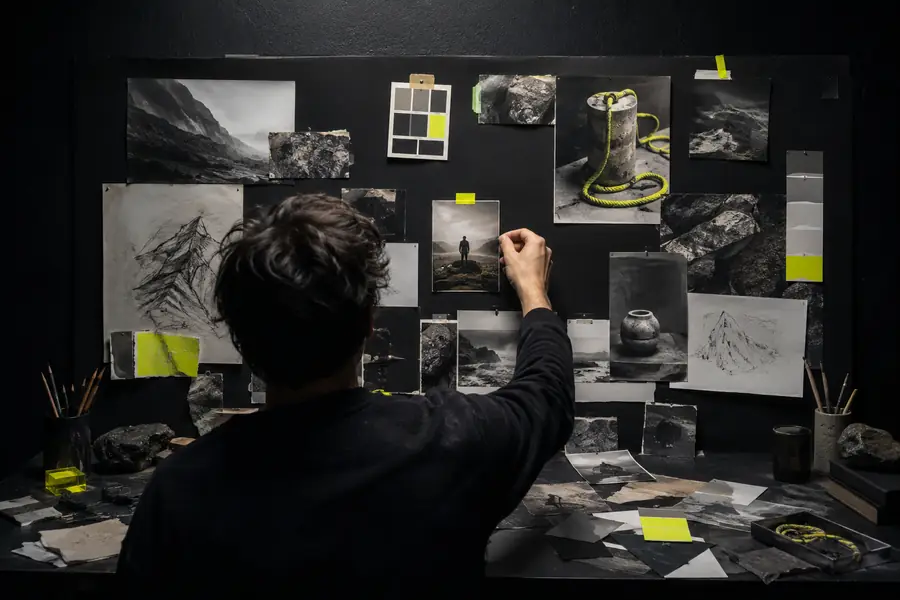
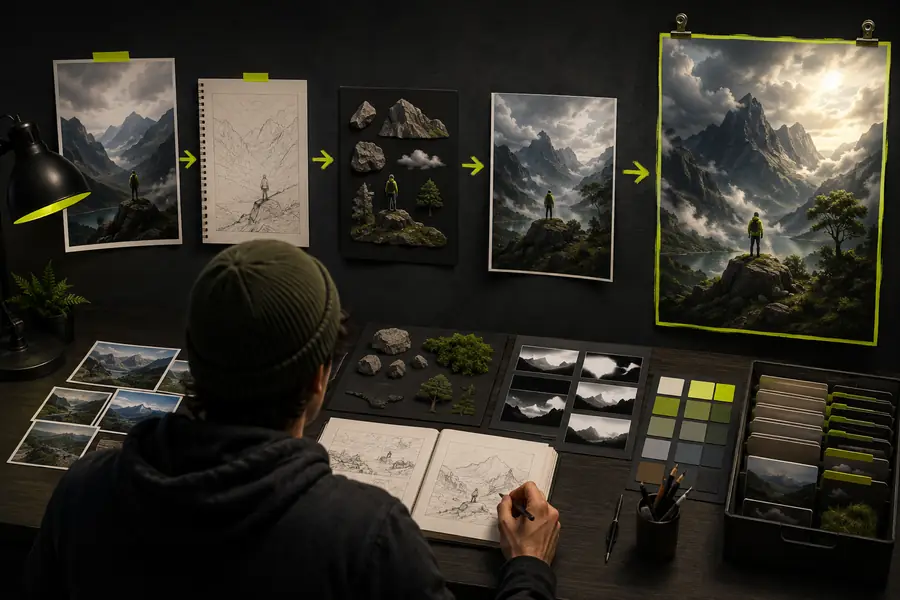
The visual difference usually comes from prioritization rather than adding more adjectives. Name the subject first, describe the action second, and reserve the final part of the prompt for atmosphere, camera direction and constraints.
The prompt may contain too many competing objects or put the main subject too late.
Fix: put the hero subject and its action in the first clause.
A low-quality or visually inconsistent reference can make identity and composition drift.
Fix: crop the reference tightly and describe what must remain unchanged.
A still-image description does not tell the model what moves or how the camera should move.
Fix: add one subject action and one camera action, such as “turns slowly” and “camera arcs left.”
More control, less guesswork
After the first successful run, treat the canvas like a small creative lab. Keep your inputs organized, compare versions side by side, and make your changes traceable.
A reliable prompt usually has three layers. First state what the viewer should notice. Then explain what changes or moves. Finish with visual treatment, camera language, lighting, palette and exclusions. This order gives the model a hierarchy instead of a list of disconnected descriptors.
When a generation works, stop editing the same branch blindly. Preserve it, name the useful settings and create a new variation. This is where RunningHub AI becomes more valuable than a one-off prompt box: your good decisions can become a repeatable process.
For model-specific choices, review the RunningHub AI models list. For a focused still-image exercise, the RunningHub AI image generation free guide can help you compare prompt-first and reference-led approaches.
Answers before you begin
A good tutorial should also explain where the tool has boundaries. Keep these limitations in mind before you judge a first result or choose a more complex workflow.
RunningHub AI can expand a direction, but it cannot decide your audience, message or final approval criteria.
Workaround: write the intended viewer and outcome before writing the visual prompt.
Small text, exact logos, hands and fine product geometry can still vary between generations.
Workaround: use a clean reference and reserve final typography or retouching for a finishing tool.
Complex workflows can take longer to understand than a simple generation, especially for one-off experiments.
Workaround: prove the concept with a quick output before building reusable complexity.
No. Start with one sentence and one output type. The interface becomes easier once you understand that a model, its inputs and its output are separate choices. You can begin with a simple prompt and explore more advanced connections later.
Do not rewrite everything immediately. Identify the single largest problem, such as framing or subject identity, and make one targeted change. Comparing two controlled variations teaches you more than producing ten unrelated attempts.
Community advice can be useful for discovering prompt patterns and model behavior, but check when the post was written and whether it applies to your selected model. Treat Reddit examples as starting points, then test them against your own input and intended output.
Build one when you repeat the same input, transformation or export process. If the result is still changing direction, stay with a simple prompt until you know which decisions are worth preserving.