Definition · AI creation platform

What is RunningHub? A practical guide to the AI canvas

What is RunningHub? It is a visual workspace where RunningHub AI brings image generation, video creation and connected workflows into one place. Instead of switching between isolated tools, you can start with an idea, shape the result and reuse the process.

Open the AI canvas Images, motion and workflows
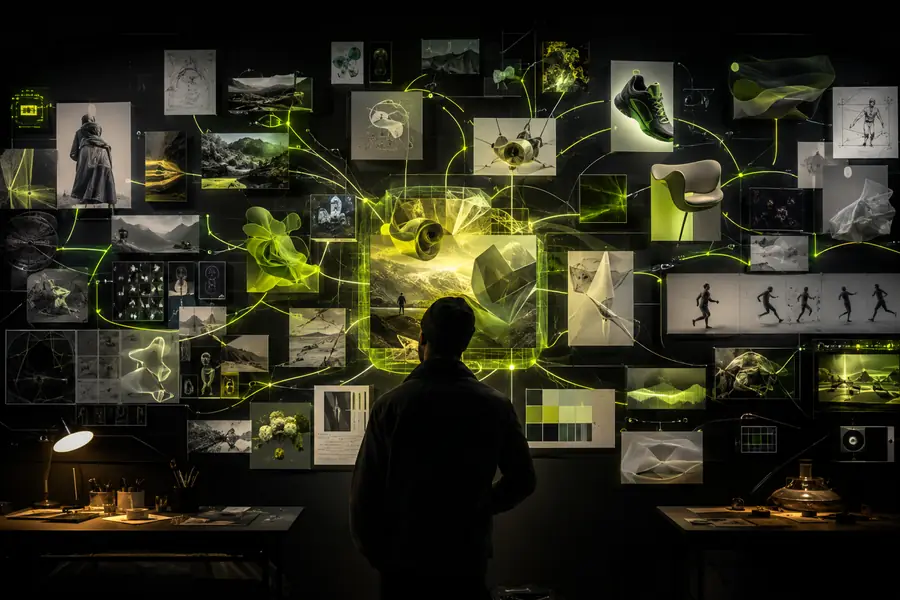
RunningHub AI visual canvas with connected creative elements

The short answer

RunningHub is a visual AI creation workspace

RunningHub AI is best understood as a layer between a creative brief and a repeatable result. It gives you a place to bring together prompts, reference images, model choices and workflow steps. The platform is designed for people who want more control than a one-click generator, without needing to assemble every technical part from scratch.

What makes it different

RunningHub AI treats a creative request as a connected system. You can make an image, extend it into motion, test another model and preserve the useful steps for the next variation. That combination makes RunningHub more than a gallery of outputs: it is a working canvas for visual production.

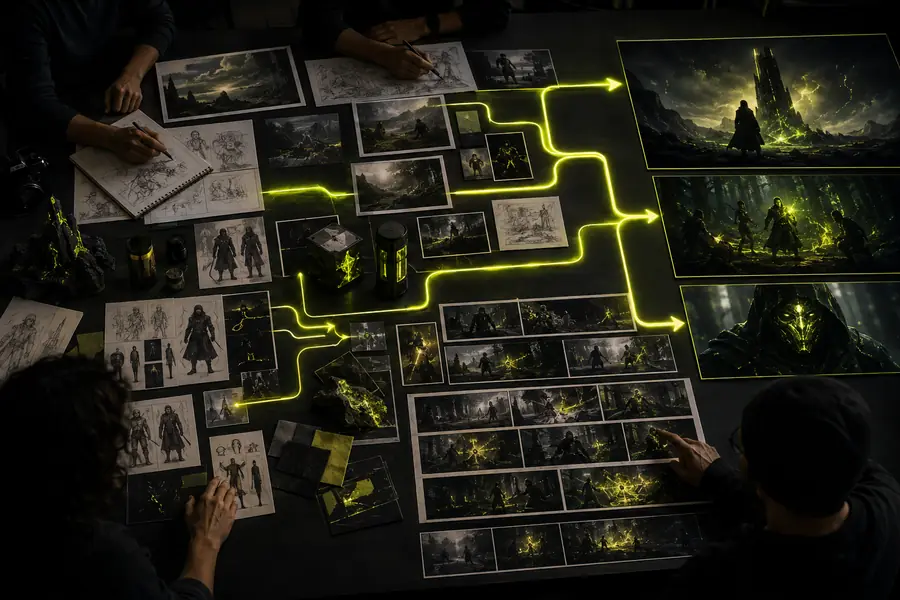
Connected image and video workflow example

A simple three-part model

  1. Start with a direction

    Describe the scene, upload a reference or choose a model that matches the visual problem you are trying to solve.

  2. Shape the output

    Adjust prompts, inputs and connected steps until the image, clip or sequence has the right mood, structure and detail.

  3. Reuse what works

    Keep the useful workflow so a future concept can begin from a proven setup rather than a blank page.

From prompt to process

How RunningHub works

RunningHub AI starts with a familiar creative action: explain what you want to see. From there, the canvas gives you more ways to guide the result. You can combine a text brief with an image reference, select an image or video model, compare variations and turn the successful path into a reusable workflow.

For a deeper look at connected steps, the RunningHub AI workflow guide explains how inputs and outputs can move through the canvas. If you are deciding where to begin, the RunningHub AI models list helps match a model family to the kind of visual result you need.

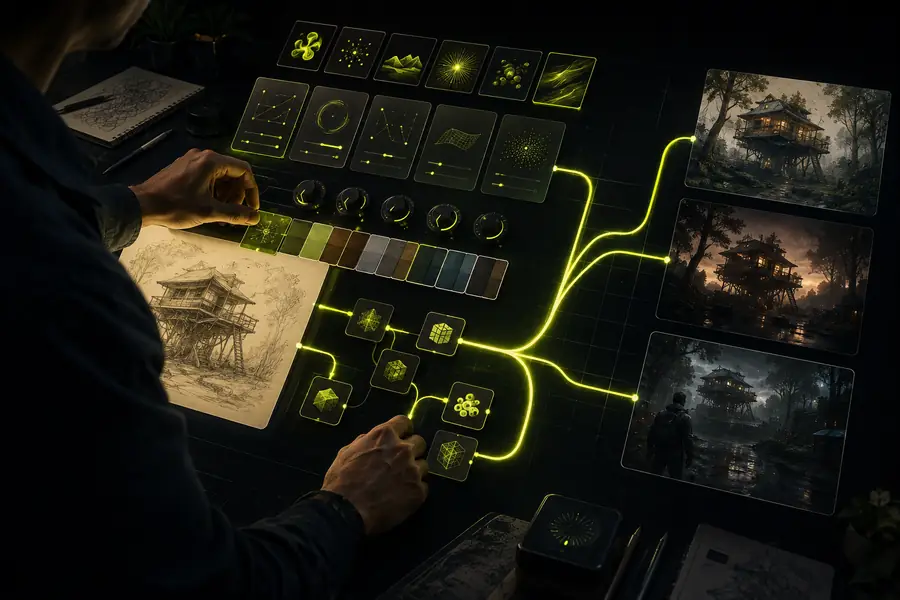
RunningHub AI model and prompt controls

In practice

The canvas keeps the creative context together

A conventional generator often gives you one prompt box and one result. RunningHub AI is useful when the surrounding context matters: a reference image, an edit pass, a motion treatment or a sequence of decisions that you want to inspect later. The result is a more legible path from idea to output.

Set the right expectation

What RunningHub AI can and cannot do

RunningHub AI can compress the distance between a visual idea and a usable draft. It can help with images, video concepts, references, variations and workflow structure. It cannot decide what your brand should say, guarantee a perfect first render or remove the need for human review.

Image creators

Use RunningHub AI to explore compositions, styles and campaign directions before committing to a final visual system.

Outcome: more options without losing the reasoning behind the strongest one.

See RunningHub AI image generation free use cases

Video teams

Use RunningHub AI for storyboards, motion tests, short-form concepts and visual references that help a production move sooner.

Outcome: a faster bridge from treatment language to moving-image direction.

Explore the RunningHub AI workflow approach

Workflow builders

Use RunningHub AI when a creative task has repeatable steps and the process itself is worth saving, sharing or refining.

Outcome: a documented path that can become a starting point for the next brief.

Browse the RunningHub AI models list

Fit by working style

Who uses RunningHub AI?

RunningHub AI is useful for both individual creators and collaborative teams, but the value appears in different places. A solo maker may want a faster way to test directions. A studio may care more about repeatability, handoffs and a shared visual process.

Attribute RunningHub AI A typical single-purpose tool
Start from a visual brief Yes — prompt and reference-led Sometimes — usually one input type
Move between image and video ideas Yes — within one creative context No — often requires a separate tool
Save a repeatable process Yes — workflows preserve useful steps Limited — history is not always reusable
Compare different model directions Yes — choose by task and output Usually no — one model is the product
Useful for a first creative pass Yes — low-friction exploration Yes — if the output is narrowly defined
Replace human art direction No — judgment still matters No — generation is not direction

The common thread is iteration

The strongest fit is not a specific job title. It is a working style that involves testing, comparing and refining. RunningHub AI gives that loop a visible home, so a creator can see what changed and a team can understand how an output was reached.

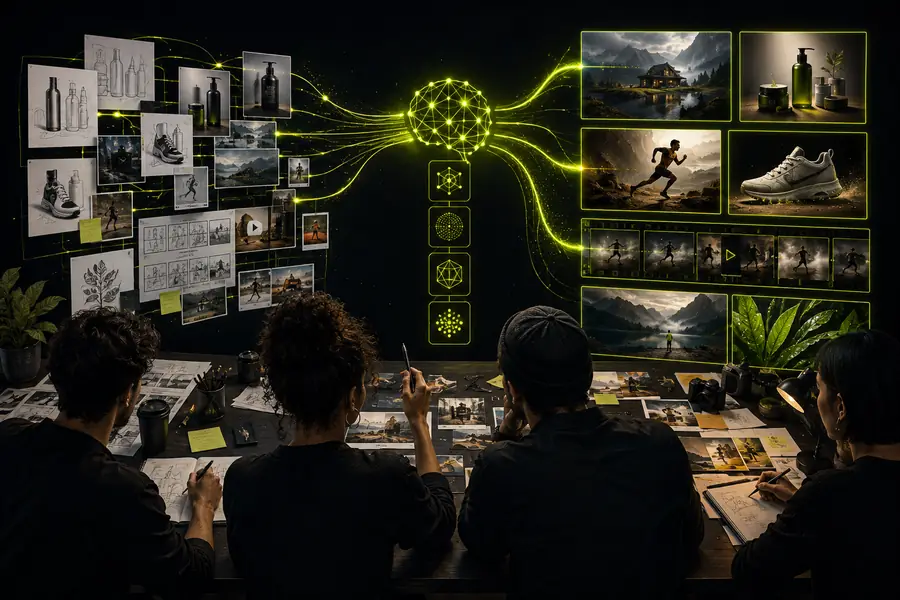
Creative team reviewing a RunningHub AI output sequence

Clear answers before you begin

RunningHub FAQ

What is RunningHub?

RunningHub is an AI-powered creative platform that brings image generation, video creation and visual workflows into one canvas. RunningHub AI is built to help you move from a written or visual idea to a more controlled, repeatable result.

Know the boundaries

It is not one magic model

RunningHub AI is a platform for accessing and connecting creative capabilities. The quality and behavior of an output still depend on the model, inputs and direction you choose.

Workaround: compare models and keep the prompt path that produces the right kind of result.

It cannot guarantee a perfect first render

Generated images and clips may need several passes. Fine details, typography, hands, continuity and exact brand requirements can still require careful review.

Workaround: treat the first output as a direction, then iterate with clearer references and constraints.

It does not replace creative judgment

RunningHub AI can produce options and preserve process, but it cannot decide whether a concept is useful, on-brand or appropriate for a particular audience.

Workaround: define the brief, select the strongest direction and review every output before publishing.

It is not limited to a single format

A workflow that begins with an image may become a motion concept, and a video idea may begin with a still reference. The useful boundary is the brief, not the file type.

Workaround: start with the clearest input, then use the canvas to carry the idea into the next medium.

Ready to test the idea

Start with one scene, one reference or one question. RunningHub AI gives you a focused place to see where the concept can go.

Try RunningHub AI